Quick Summary
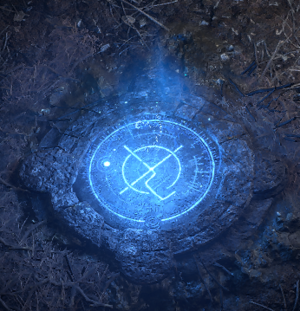
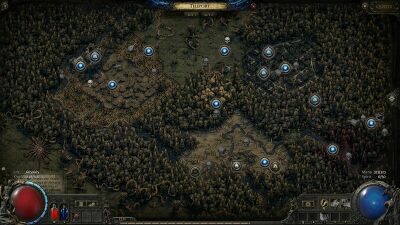
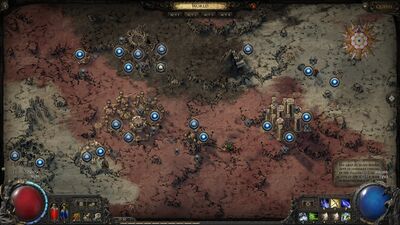
Pressing the World Interface hotkey (U) or clicking on a waypoint shows a map of the Acts and any unlocked waypoints or towns. A button on the far right side also allows switching between the overworld and underground maps.
World Interface
Pressing the World Interface hotkey (U) or clicking on a waypoint shows a map of the Acts and any unlocked waypoints or towns. A button on the far right side also allows switching between the overworld and underground maps.
If the World Interface was opened by clicking on a waypoint, the player can teleport to any unlocked waypoint or town by clicking on the icon. They can also teleport to certain key locations using the sidebar, such as their hideout, Ascension Trials, or the Well of Souls, if their waypoints are unlocked.
Version history
| Version | Changes |
| 0.3.0 | You can now use checkpoints to warp to the waypoint in an area as well as other checkpoints. |
| 0.1.0e | Added a button to travel to your Guild Hideout when interacting with the Waypoint. |
| 0.1.0 | Introduced to the game. |